Translate Zoom calls.
No bots. No host setup required.
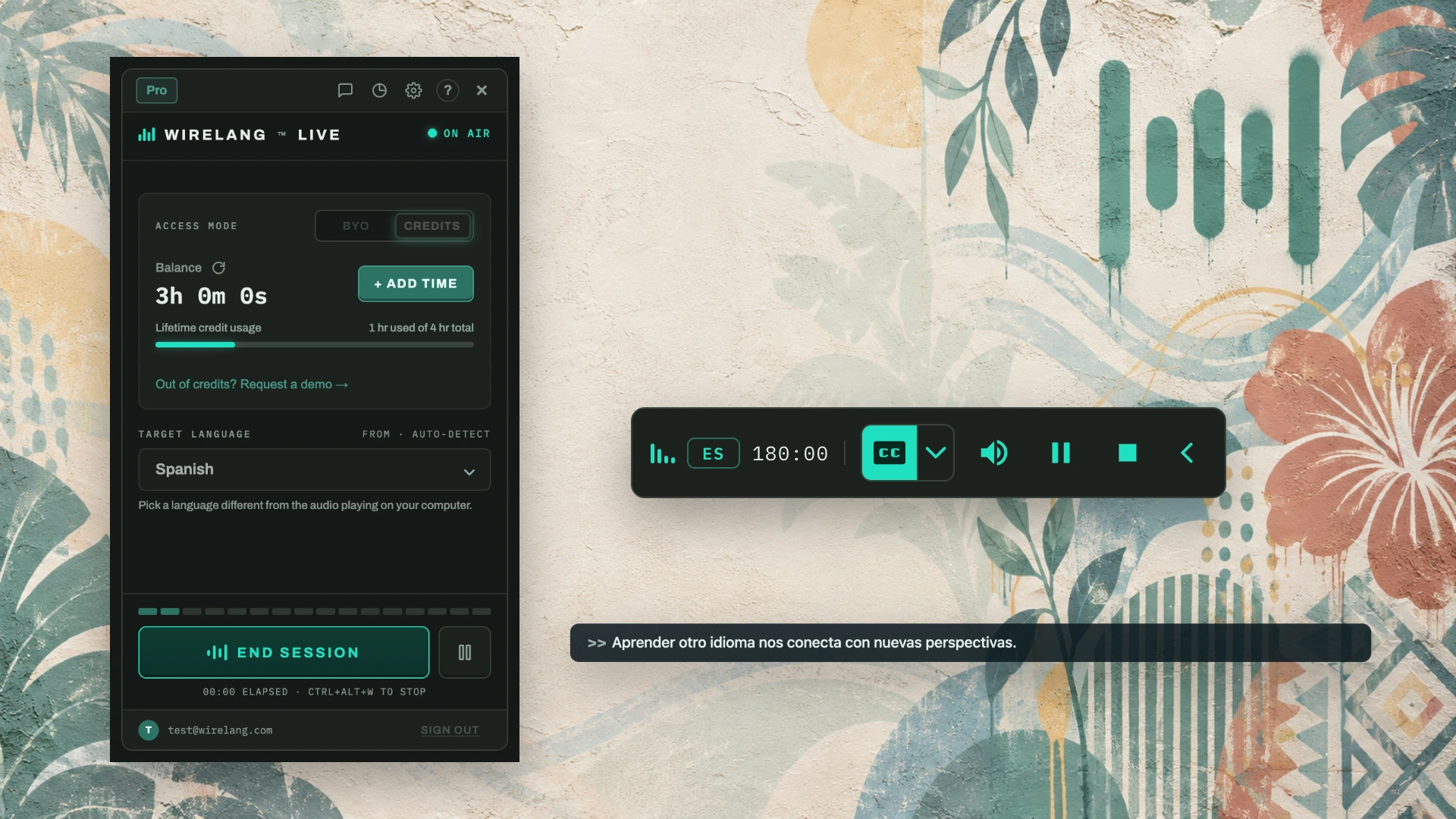
WireLang™ Live runs on your computer and translates meeting audio into your language as people speak. It works in any Zoom meeting or webinar, even as a participant without host configuration.
FOR MEETING ATTENDEES · REMOTE WORKERS · INTERNATIONAL TEAMS · WEBINARS
Comparing WireLang to Zoom's built-in translation
Zoom voice translation is limited to specific paid plans, supports a small set of languages, and often waits for speaker pauses. WireLang works from your side of the call.
| Feature | WireLang Live | Zoom voice translation |
|---|---|---|
| Who can turn it on | Any attendee, in any meeting | Depends on account plan and host settings |
| Languages | 60+ | 5 (beta) |
| Timing | Simultaneous: translation plays while the speaker is talking | Waits for speaker pauses |
| Visible to others | No bot or plugin required | Meeting-level feature |
| Also covers | Teams, Meet, Discord, videos, webinars | Zoom only |
Built for following fast meetings
WireLang translates incoming system audio straight to your headphones so you can follow rapid technical discussions.
Works as a participant
Captures the meeting audio your computer is already playing. No host setup, no marketplace app, and no bot joining the call.
Sub-second latency
Hear translated voice in under one second so you can follow fast-moving discussions and respond when needed.
Local session privacy
Transcripts and optional recordings stay on your device and are never uploaded to our servers. You can pause history or delete sessions anytime.
Frequently asked questions
Can I translate a Zoom meeting if the host hasn’t enabled translation?
Yes. WireLang runs on your computer and captures the meeting audio you hear, so it works in any Zoom meeting or webinar even when the host hasn’t enabled captions, lacks a paid plan, or you are attending as a guest.
Will other participants see a bot or know I’m using it?
No bot joins the call. WireLang runs locally on your computer and translates the audio you hear, so there is no extra bot participant or plugin. Depending on your jurisdiction and participant locations, capturing call audio may require consent. Please follow applicable regulations and local policies.
Do I need a paid Zoom plan or Zoom AI Companion?
No. WireLang operates independently of your Zoom account tier. Zoom’s built-in voice translation is restricted to certain paid accounts with a limited language set, whereas WireLang works across 60+ languages regardless of account level.
Is the translation simultaneous or does it wait for pauses?
It is simultaneous. WireLang streams translated speech with sub-second latency as the speaker continues talking, rather than waiting for extended pauses. It translates into your headphones and does not broadcast into the meeting.
Does it also work with Teams, Google Meet, and Discord?
Yes. WireLang captures any audio output on your computer, so the same app supports Microsoft Teams, Google Meet, Discord, webinars, and browser video playback.
Try WireLang on your next Zoom call
Install WireLang and test it in your next meeting. Eligible new accounts receive 10 minutes of translation credits while the trial offer is available.
Also translating Microsoft Teams meetings, Discord voice channels, YouTube videos, and online courses.