Translate Teams meetings.
No Copilot license or IT approval needed.
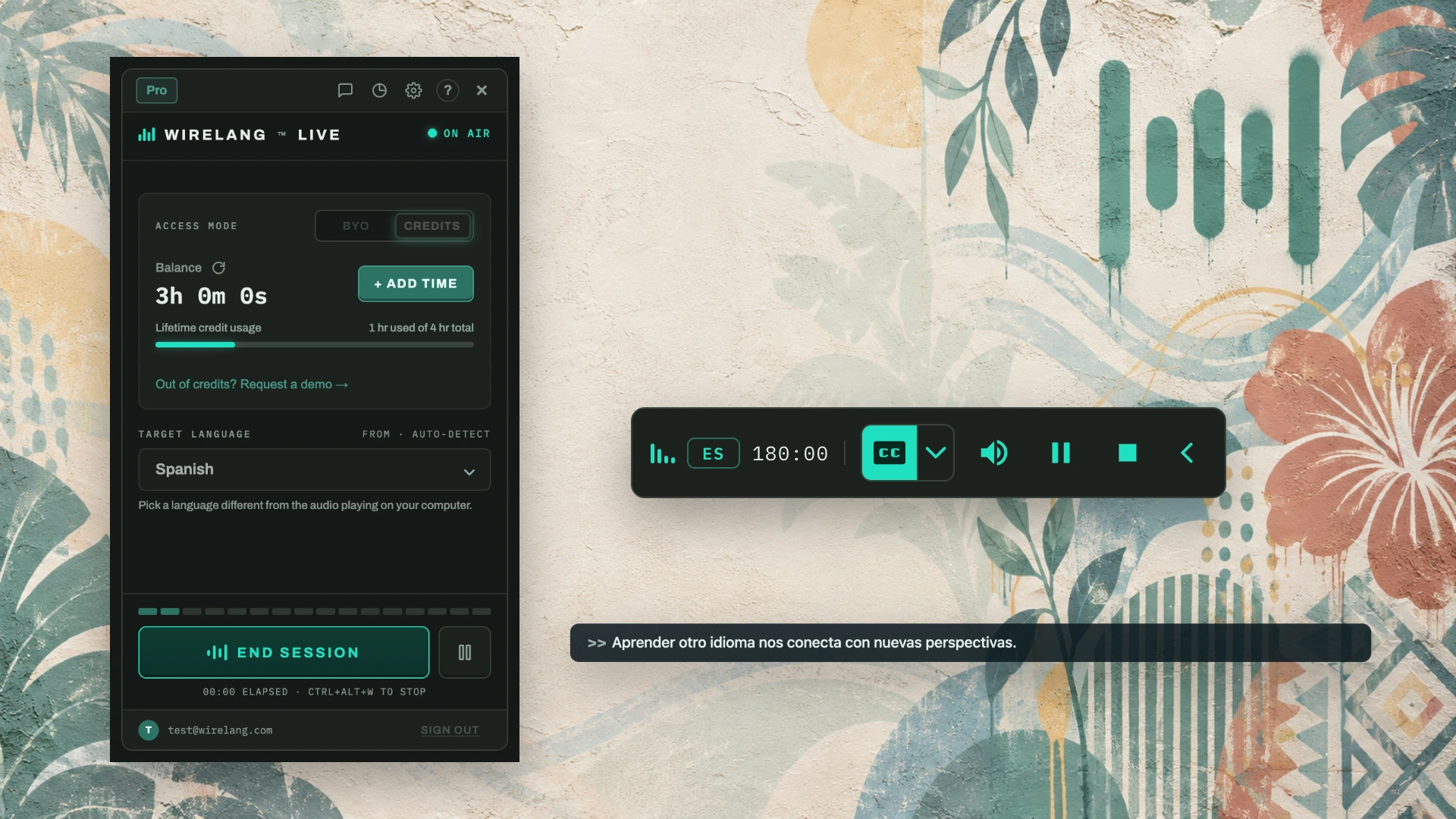
WireLang™ Live translates Teams meetings into your language while colleagues are speaking. It runs locally on your computer without requiring enterprise add-ins or administrative permissions.
FOR INTERNATIONAL EMPLOYEES · GLOBAL TEAMS · WEBINARS · TOWN HALLS
Comparing WireLang to Teams Interpreter
The built-in Teams Interpreter agent requires a Microsoft 365 Copilot license, admin activation, and has monthly usage caps. WireLang operates independently on your local desktop.
| Feature | WireLang Live | Teams Interpreter agent |
|---|---|---|
| Requirements | None: works out of the box | Copilot license and admin activation |
| Monthly limit | Pay-as-you-go credits or BYO key | Capped hours per user per month |
| Languages | 60+ | Limited set |
| Works outside Teams | Yes: Zoom, Meet, Discord, videos | Teams only |
| Visible to others | No bot or agent in the call | Enabled at meeting level |
Follow discussions in real time
Listening to technical meetings in a non-native language can be tiring. WireLang handles real-time speech translation so you can focus on the agenda.
Local desktop capture
Runs on your computer using the audio output you already hear. No special IT tickets, server bots, or add-ins required.
Simultaneous speech delivery
Translated speech streams to your headphones with sub-second latency, helping you stay synchronized with the meeting flow.
Local session storage
Transcripts and recordings remain on your local drive and are never stored on our servers. You can turn off session saving at any time.
Frequently asked questions
Can I translate a Teams meeting without a Microsoft 365 Copilot license?
Yes. Teams’ built-in Interpreter requires a Microsoft 365 Copilot license and IT admin enablement, along with a monthly hours cap. WireLang runs on your local computer, requires no add-in or IT admin approval, and translates meeting audio directly.
Does my IT admin need to enable anything?
No. WireLang runs as a desktop application on your computer. It captures the audio already output to your headphones or speakers, meaning there is nothing to enable in the Teams admin center.
Will other participants see a bot or an interpreter in the meeting?
No bot or interpreter joins the meeting. WireLang runs locally on your machine and translates the audio you hear. Depending on participant locations, recording or capturing call audio may require consent under applicable laws and company policies.
What languages does it support?
WireLang translates over 60 languages simultaneously, including languages that standard meeting tools often omit, such as Turkish, Hungarian, Arabic, Korean, and Ukrainian.
Does it work in Teams webinars, town halls, and channel meetings?
Yes. If the audio plays through your computer output, WireLang can translate it, including webinars, town halls, recorded calls, and ad-hoc channel meetings.
Try WireLang in your next Teams meeting
Install WireLang before your next call. Eligible new accounts receive 10 minutes of translation credits while the trial offer is available.
Also translating Zoom calls, Discord voice channels, YouTube videos, and online courses.