Translate any audio on your computer in real time
WireLang listens to the audio playing on your computer and speaks the translation back to you live — for videos, courses, meetings, livestreams, games, and more.
Product Hunt Exclusive
Get 50% OFF WireLang
Use code HUNT50 at checkout · 60+ languages · Windows 10/11
See WireLang in action
Watch how WireLang translates computer audio live, without pausing, copying text, or waiting for subtitles.
Following foreign-language audio shouldn't mean constant pausing
When watching technical lectures, international calls, or live video in another language, relying on delayed subtitles or manual dictionary lookups interrupts your focus.
WireLang streams translated speech directly to your headphones as the speaker talks.
Listen in one language. Understand in another.
WireLang listens to the audio playing on your computer and speaks the translation back to you live. The original voice can remain softly in the background while the translated voice comes through clearly.
Original Audio
Foreign video, courses, or meetings play on your computer.
Real-Time Processing
Our low-latency capture pipeline streams voice segments directly.
Translated Voice
Hear speech in your language immediately with optional subtitles.
Start translating in seconds
Open WireLang
Launch the app on your Windows computer.
Choose your language
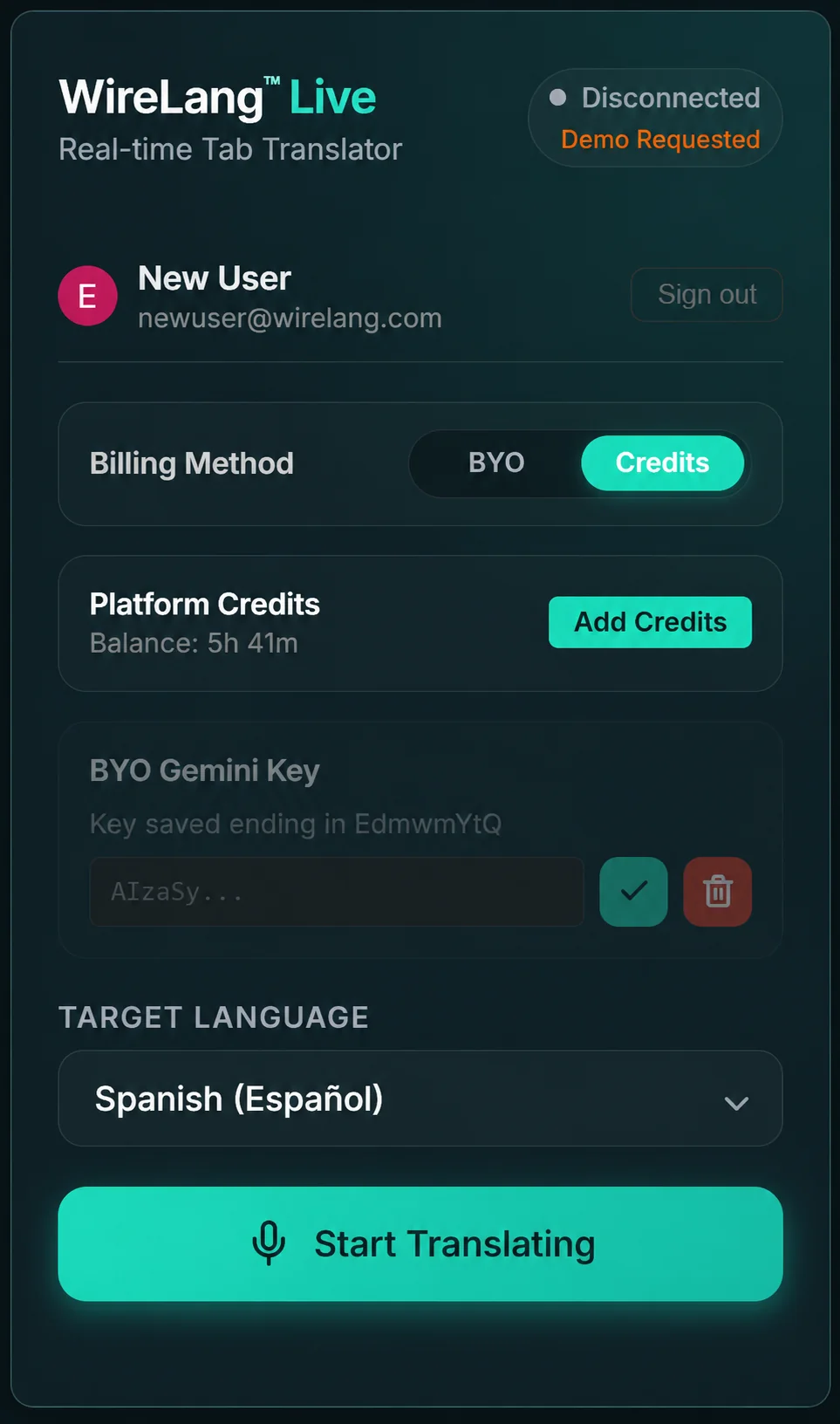
Select the target language you want to hear.
Press Start
Play any audio on your computer and hear the translation live.
Use WireLang anywhere audio plays
YouTube Videos
Watch foreign videos without waiting for subtitles.
Online Courses
Learn from classes and lectures in other languages.
Zoom Calls
Understand meetings and conversations in real time.
Webinars
Follow presentations and live events as they happen.
Livestreams
Discover creators and communities from around the world.
Games & Entertainment
Understand dialogue, streams, and other computer audio.
Built for real-time understanding
Live voice translation
Hear translated audio while the original content continues playing.
Live subtitles
Read the translation while you listen.
Floating controls
Pause, stop, and manage the original audio without leaving your content.
60+ languages
Communicate with and understand content from around the world.
Session history
Access locally saved transcripts, optional recordings, subtitles, and summaries when enabled.
Privacy-minded
User session information is kept on the device according to the current WireLang privacy and storage settings.
A special launch offer for the Product Hunt community
Download WireLang, start translating, and use coupon code HUNT50 during checkout to receive 50% off.
The coupon is entered during checkout inside WireLang.
Downloads & Availability
Installers for both Windows and macOS are available for direct download below.
macOS App
Translates all system audio, Zoom calls, and desktop apps. High-performance native capture across macOS.
Windows App
System-wide live translation for gaming, VoIP, and video playback. Built with a low-latency audio pipeline.
Frequently Asked Questions
Does WireLang work with YouTube?
Yes. WireLang can translate audio playing from YouTube and other video platforms in real time.
Can I use WireLang with Zoom or meetings?
Yes. The Windows app translates system audio, including supported meeting and communication applications.
Do I need subtitles?
No. WireLang translates the audio itself, although live translated subtitles are also available.
How many languages does WireLang support?
WireLang supports more than 30 languages.
Where do I enter HUNT50?
Download and open WireLang. When you reach the checkout, enter HUNT50 in the coupon or promotional-code field.
Is WireLang available for macOS?
The macOS app is coming soon. The Windows production build is currently available.
Does WireLang record my audio?
Recording is optional. When enabled, session recordings, transcripts, and subtitles are stored locally on the user’s device according to the current app settings.
Stop missing the lesson, the idea, or the conversation
Any audio on your Windows computer, translated live. Download WireLang today and use HUNT50 at checkout for 50% off.