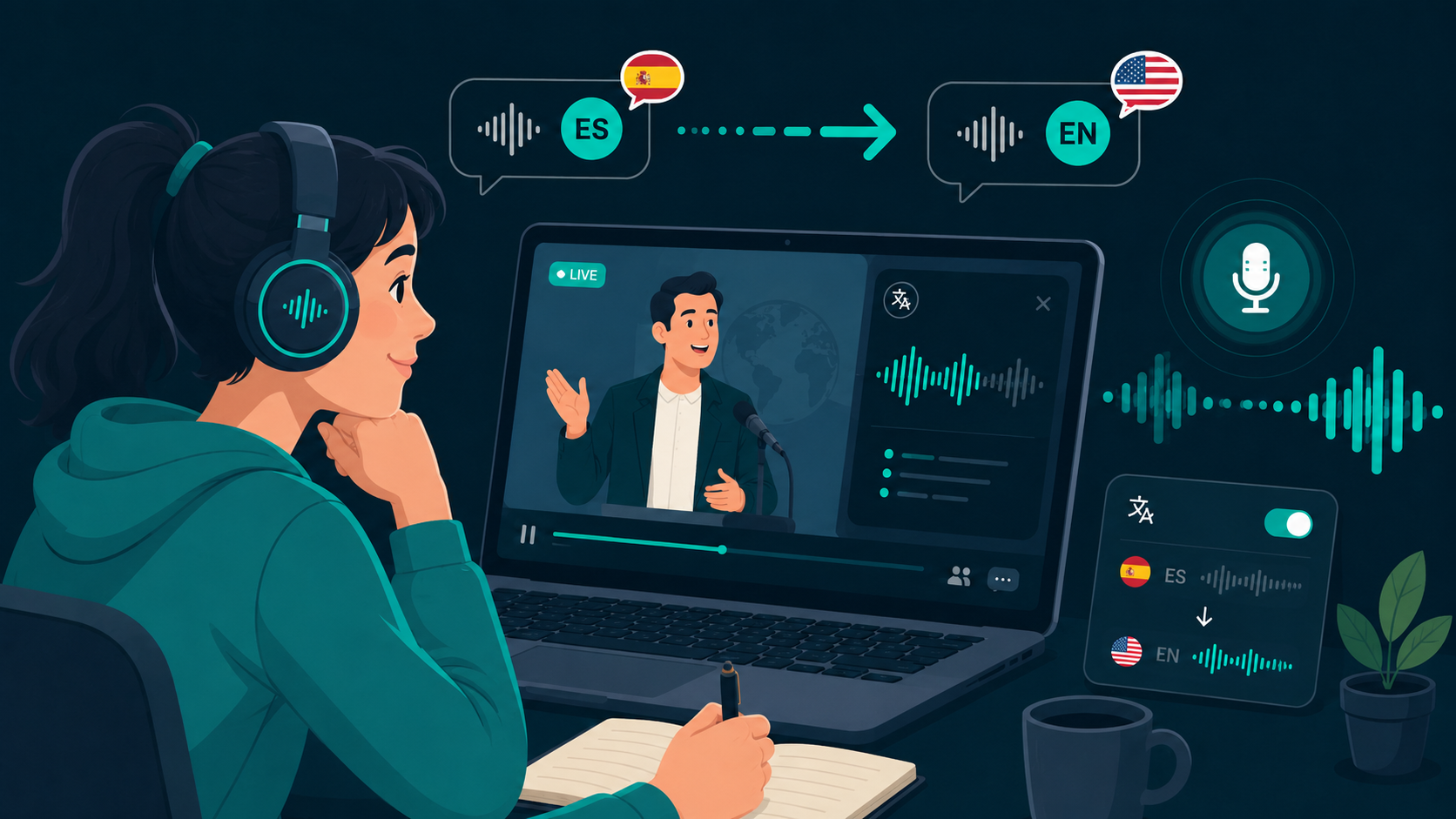
A speech translator captures spoken dialogue, translates the meaning into another language, and plays the translated speech or displays captions while source audio continues. Advances in real-time speech pipelines now make this possible with sub-second latency on standard PCs and Macs.
To test real-time speech translation with your own audio setup, you can download WireLang here.
How modern speech translation works
Traditional translation required transcribing speech to text, passing text through a translation engine, and optionally running text-to-speech synthesis sequentially. Streaming speech models now compress these steps into continuous pipelines, reducing end-to-end delay to under a second.
For a broader look at desktop audio workflows, see our guide on how live audio translators work.
Why latency is the critical metric
In a live conversation or lecture, delays compound quickly. If a translation lags by three or four seconds, the listener is hearing previous sentences while the speaker is already presenting new slides or answering questions.
Sub-second speech translation keeps you synchronized with the speaker's cadence and conversational rhythm, avoiding mental fatigue.
Use cases beyond meeting rooms
While business calls on Zoom or Microsoft Teams are obvious candidates, speech translation is equally valuable for university MOOCs, technical certification courses, YouTube tutorials, and live streaming media.
For meeting-specific features, read our guide on translating Microsoft Teams meetings. For video tutorials, see our notes on translating YouTube livestreams.
What to look for in desktop speech translation
An effective speech translation tool should feature clean loopback capture, reliable language detection, ducked background audio, and simple controls that don't require technical calibration.
WireLang is designed specifically around these desktop requirements, capturing system audio directly with WASAPI and CoreAudio drivers.
Summary
Streaming speech translators bridge language gaps during live audio without forcing you to pause playback.
- Streaming pipelines deliver sub-second speech translation
- Synchronized voice output allows hands-free listening
- Supports meetings, university lectures, and streaming video
- Local session storage keeps sensitive discussions private
Frequently asked questions
Can a speech translator help with online classes and training?
Yes. It translates lecturer speech into your headphones in real time, making technical coursework in other languages easier to follow.
Does speech translation require specialized hardware?
No. Modern cloud and edge speech models handle translation over standard internet connections using your existing headphones and audio outputs.
Try WireLang Live
If you need real-time audio translation for your workflow, you can download WireLang for Windows or macOS to test it with your own audio sources.