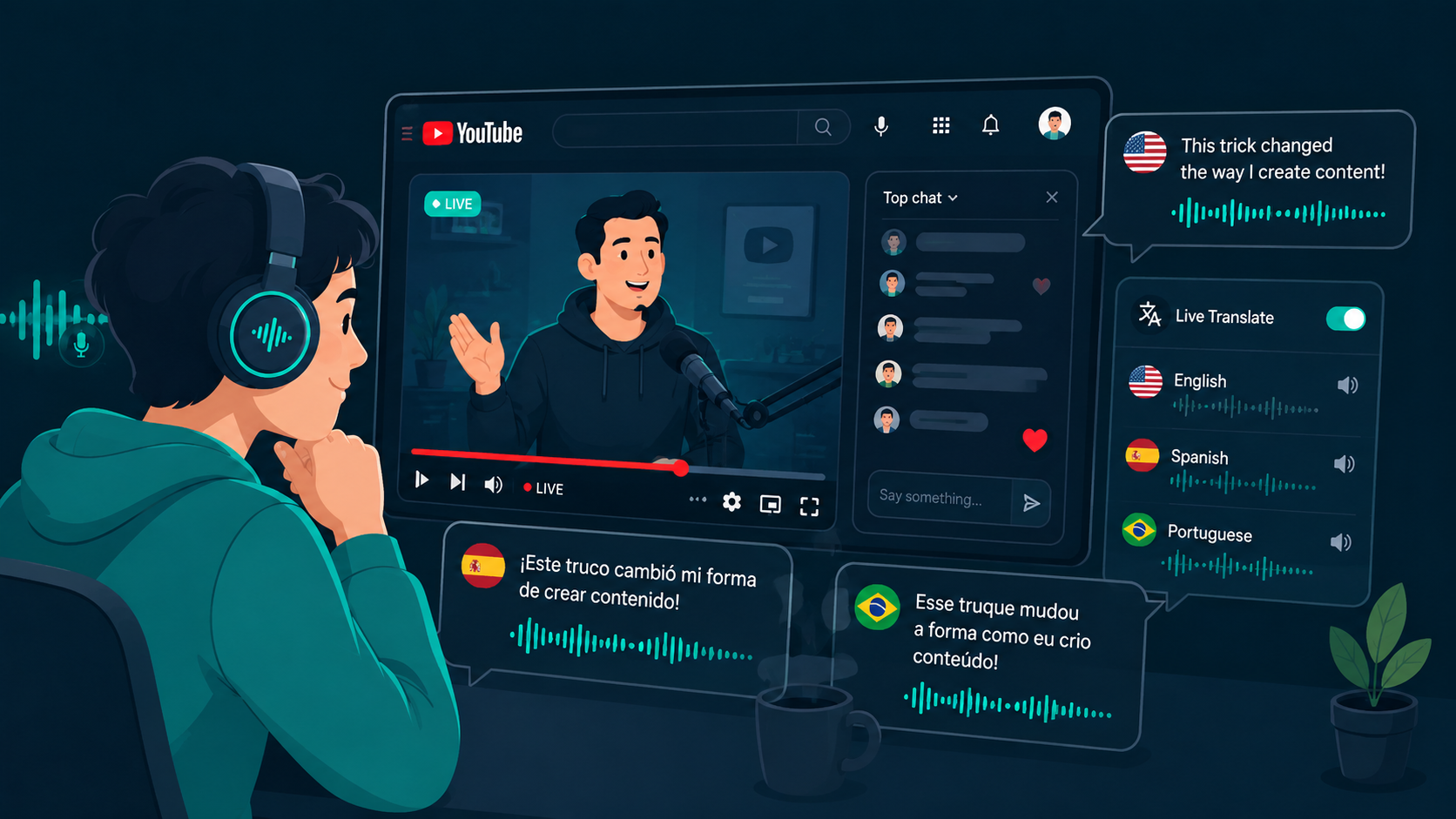
YouTube hosts vast educational archives, developer walkthroughs, gaming broadcasts, and international news streams. When those videos lack translated captions or rely on inaccurate auto-captions, viewers lose critical context. Real-time audio translation tools capture playback audio directly from your browser, delivering translated speech as you watch.
To test live audio translation on YouTube and web streams, you can download WireLang here.
Why native YouTube captions often fall short
YouTube auto-captions rely on automated speech recognition that frequently struggles with specialized technical terms, regional accents, and rapid dialogue. Furthermore, translated captions are often unavailable on live streams until long after the broadcast concludes. Reading text captions also forces you to shift focus away from code walkthroughs, whiteboard demonstrations, or gameplay.
For a deeper dive into video translation mechanics, see our guide to a real-time video translator.
Translating browser audio during playback
Live translation software captures the browser audio stream via system loopback drivers before it reaches your speakers or headphones. The speech is transcribed, passed through neural language translation models, and rendered as synthesized voice audio in your chosen language. Audio ducking lowers the volume of the original broadcast while keeping the speaker vocal cadence perceptible.
If you prefer an audio-first approach without constant screen reading, explore our article on listening and translating simultaneously.
Live streams versus recorded tutorials
While live broadcasts have the highest urgency for real-time translation, the same workflow benefits pre-recorded material. Instead of waiting for creator-uploaded subtitles or dealing with delayed captions, desktop loopback tools translate playback immediately at standard or adjusted playback speeds.
Key capabilities for YouTube translation
When selecting a tool for YouTube viewing, look for sub-second latency to maintain sync with visual actions, adjustable audio ducking so you can balance the original audio against translated speech, and floating subtitle overlays for specialized technical terminology.
Using WireLang with YouTube
WireLang runs as a lightweight desktop application on Windows and macOS. It captures audio output from Chrome, Firefox, Edge, or Safari without requiring browser extensions or virtual audio cables. Over 60 languages are supported, with options to adjust speech playback rates and save full session transcripts for later review. For broader audio translation options, read our guide on a live audio translator.
Summary
Streaming translation lets you follow international YouTube channels and live broadcasts in real time.
- Works with any browser without requiring extensions or audio cables
- Translates both live broadcasts and pre-recorded videos
- Audio ducking keeps original vocal tone audible in the background
- Sub-second latency keeps commentary synchronized with video action
Frequently asked questions
Can YouTube live translation work on recorded videos as well?
Yes. Desktop translation tools capture whatever audio plays through your browser, translating live streams and standard video uploads identically.
Why listen to translated audio instead of reading auto-captions?
Auto-captions are often delayed or unavailable on live streams, and reading captions distracts from visual tutorials and presentations. Spoken translation allows you to keep your eyes on the screen.
Try WireLang Live
If you need real-time audio translation for your workflow, you can download WireLang for Windows or macOS to test it with your own audio sources.