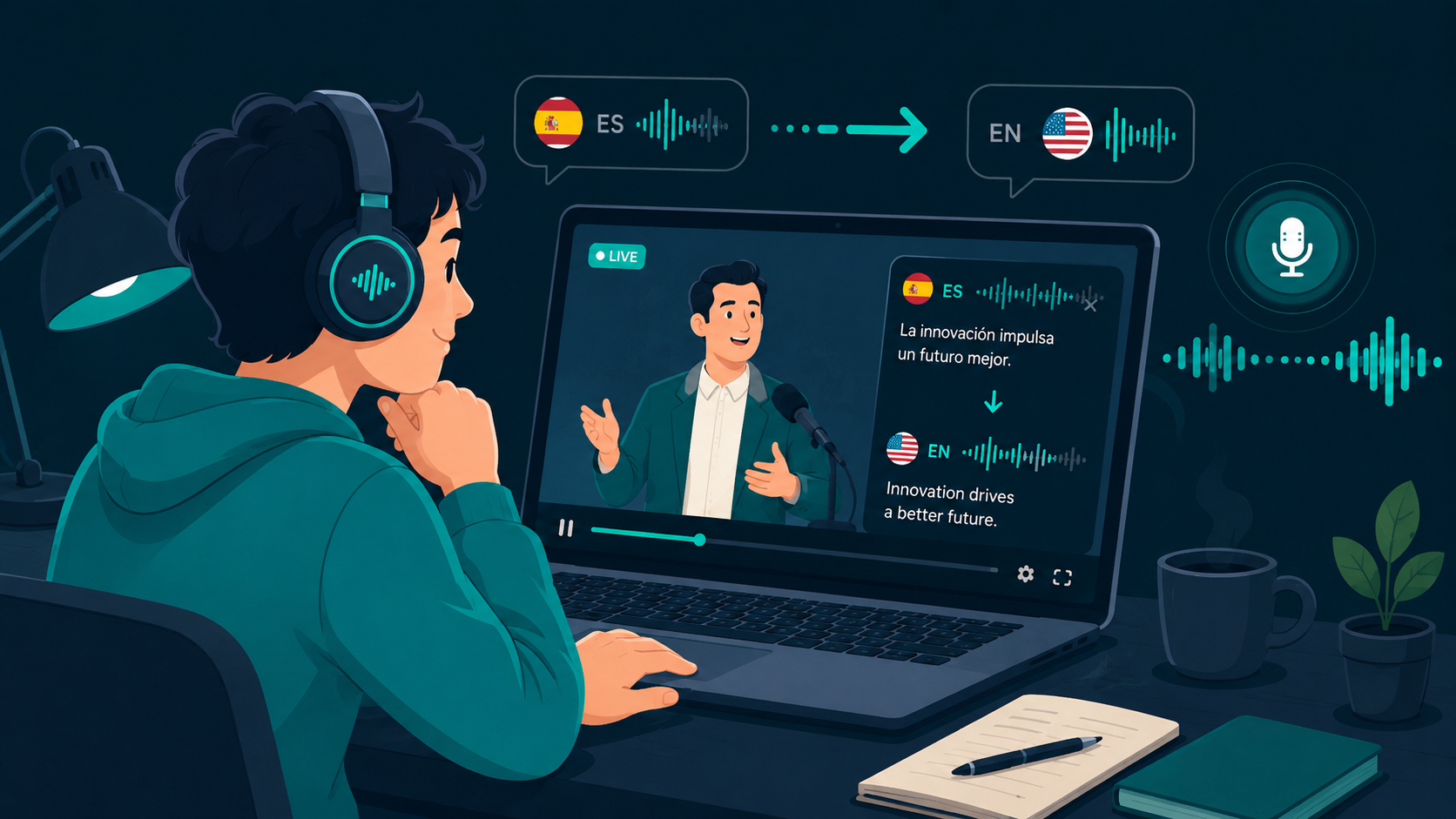
Watching video lectures, tutorials, or streams in an unfamiliar language is exhausting when you have to split your attention between the visual content and delayed captions. Real-time video translation captures audio directly from browser tabs or desktop media players, converting foreign speech into your preferred language while the video plays.
To test live video translation on your computer, you can download WireLang here.
What is a real-time video translator?
A real-time video translator captures spoken audio from video streams as it plays, converts the speech to text, translates it into your target language, and renders it as synthesized voice audio or synchronized captions. Unlike post-production dubbing, processing occurs with sub-second latency so you can follow along with live presentations, webinars, or recorded lessons.
If you want to understand speech-to-speech workflows in detail, our guide to a live audio translator explains the underlying pipeline.
Why translated audio often beats subtitles
Reading subtitles requires constant visual scanning, pulling your eyes away from code samples, presentation slides, or demonstration steps. In fast-paced tutorials, subtitles can also fall behind or cover critical interface elements. Listening to translated speech directly in your headphones leaves your vision free to focus on what is happening on screen.
If you frequently watch content on video platforms, see our guide on translating YouTube livestreams.
How live video translation works
The software hooks into your operating system audio output stream, capturing sound from Chrome, Firefox, VLC, or desktop media players. It runs speech recognition, translates the resulting segments through neural language models, and outputs translated voice audio to your default headphones. Advanced tools use audio ducking, keeping the original speaker softly audible in the background so vocal tone and pacing remain clear.
What to look for in a video translation tool
Effective video translation requires three core capabilities: low end-to-end latency (under one second), clear speech synthesis that is easy to follow over long sessions, and reliable system audio capture that works across any website or application without routing audio through complex virtual cables.
Desktop audio capture with WireLang
WireLang runs locally on Windows and macOS, capturing audio directly from your active sound device using loopback drivers. It supports over 60 languages with customizable voice speed, ducking levels, and bilingual subtitle overlays for complex technical terms. If you want to compare different desktop solutions, read our guide on evaluating live translation apps.
Summary
Real-time video translation lets you follow foreign-language video content without visual fatigue.
- Captures video audio directly from browser tabs and media players
- Delivers translated voice or subtitles with sub-second latency
- Background audio ducking preserves original vocal tone and context
- Works with both live broadcasts and pre-recorded videos
Frequently asked questions
Can a video translator work with recorded videos?
Yes. Real-time translation tools process any audio output passing through your operating system, whether it comes from a live broadcast, a recorded video file, or an online course.
Do I need subtitles enabled for this to work?
No. The software captures and transcribes the raw audio stream directly, so it functions independently of closed captions or subtitle files.
Try WireLang Live
If you need real-time audio translation for your workflow, you can download WireLang for Windows or macOS to test it with your own audio sources.