Selecting a live translation application depends heavily on your environment. Mobile travel apps designed for tourist conversations handle short, disjointed phrases, but struggle with continuous desktop audio during an hour-long webinar, lecture, or team meeting. Evaluating desktop translation tools requires looking closely at latency thresholds, audio routing mechanisms, and data retention policies.
To test low-latency desktop audio translation on your PC or Mac, you can download WireLang here.
Key evaluation criteria for desktop translation
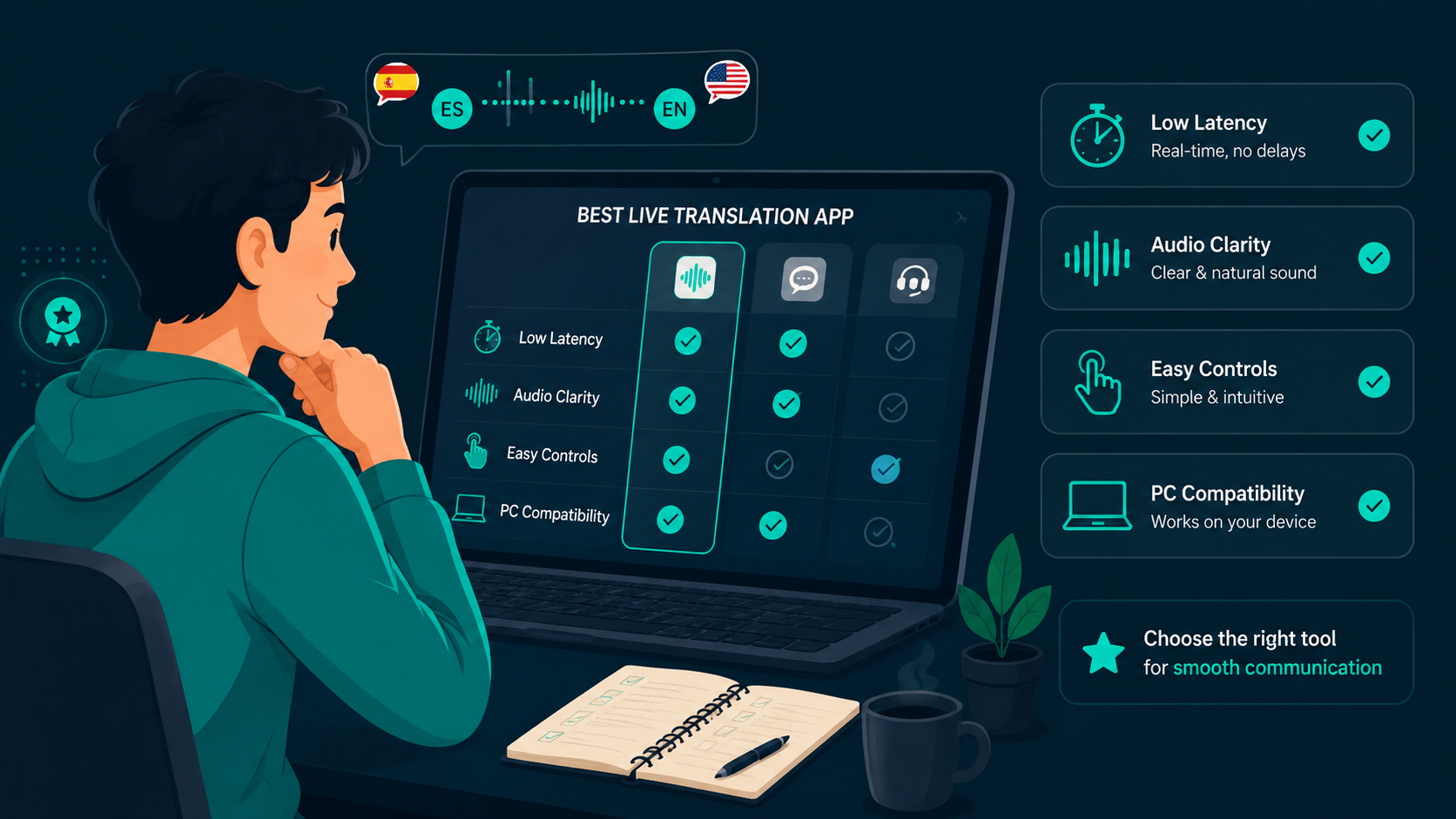
When choosing software to translate desktop audio, four technical factors dictate usability: end-to-end processing delay, audio capture stability across different applications, natural speech synthesis pacing, and local data privacy.
For foundational audio translation principles, read our guide to a live audio translator.
End-to-end latency benchmarks
In live meetings and streams, latency above 1.5 seconds causes cognitive friction, making it difficult to connect spoken points to on-screen slides or speaker gestures. Practical tools achieve sub-second turnaround by segmenting incoming audio streams dynamically, initiating translation before full sentences finish, and streaming synthetic voice chunks immediately.
If your primary focus is conference calls, see our comparison of translating Microsoft Teams meetings.
Speech synthesis versus subtitle reading
While real-time subtitles help verify names and technical acronyms, continuous reading during long presentations creates mental fatigue. High-quality speech synthesis delivers translated audio directly to your headphones with background audio ducking, allowing you to focus visually on presentations or code demonstrations.
Data privacy and transcript storage
Meeting audio frequently contains sensitive corporate discussions, proprietary code, or student data. Look for applications that process audio through encrypted enterprise endpoints, offer bring-your-own-key (BYO) options for OpenAI or Gemini, and store session history strictly on your local device without training third-party AI models.
Loopback capture compatibility
Desktop translation must capture audio from any application, including Microsoft Teams, Zoom, Discord, Google Meet, YouTube, and browser tabs. Software that relies on native loopback capture (WASAPI on Windows and CoreAudio on macOS) avoids requiring third-party virtual audio cables or complex soundboard routing.
If you primarily watch online video content, review our guide to a real-time video translator.
Summary
Evaluating live translation tools requires assessing performance across real-world desktop constraints.
- Evaluates desktop translation on latency, privacy, and audio stability
- Sub-second processing prevents desynchronization during meetings
- Audio ducking balances translated speech against background sound
- Local transcript storage and BYO API keys protect meeting confidentiality
Frequently asked questions
What is the most critical benchmark when comparing live translation apps?
End-to-end latency. If speech takes more than 1.5 seconds to translate, following live discussions, webinars, or video tutorials becomes disjointed and fatiguing.
Are mobile translation apps suitable for desktop meetings?
Generally no. Mobile apps are designed for turn-taking conversation, not continuous loopback capture of incoming system audio, presentations, or long-form lectures.
Try WireLang Live
If you need real-time audio translation for your workflow, you can download WireLang for Windows or macOS to test it with your own audio sources.