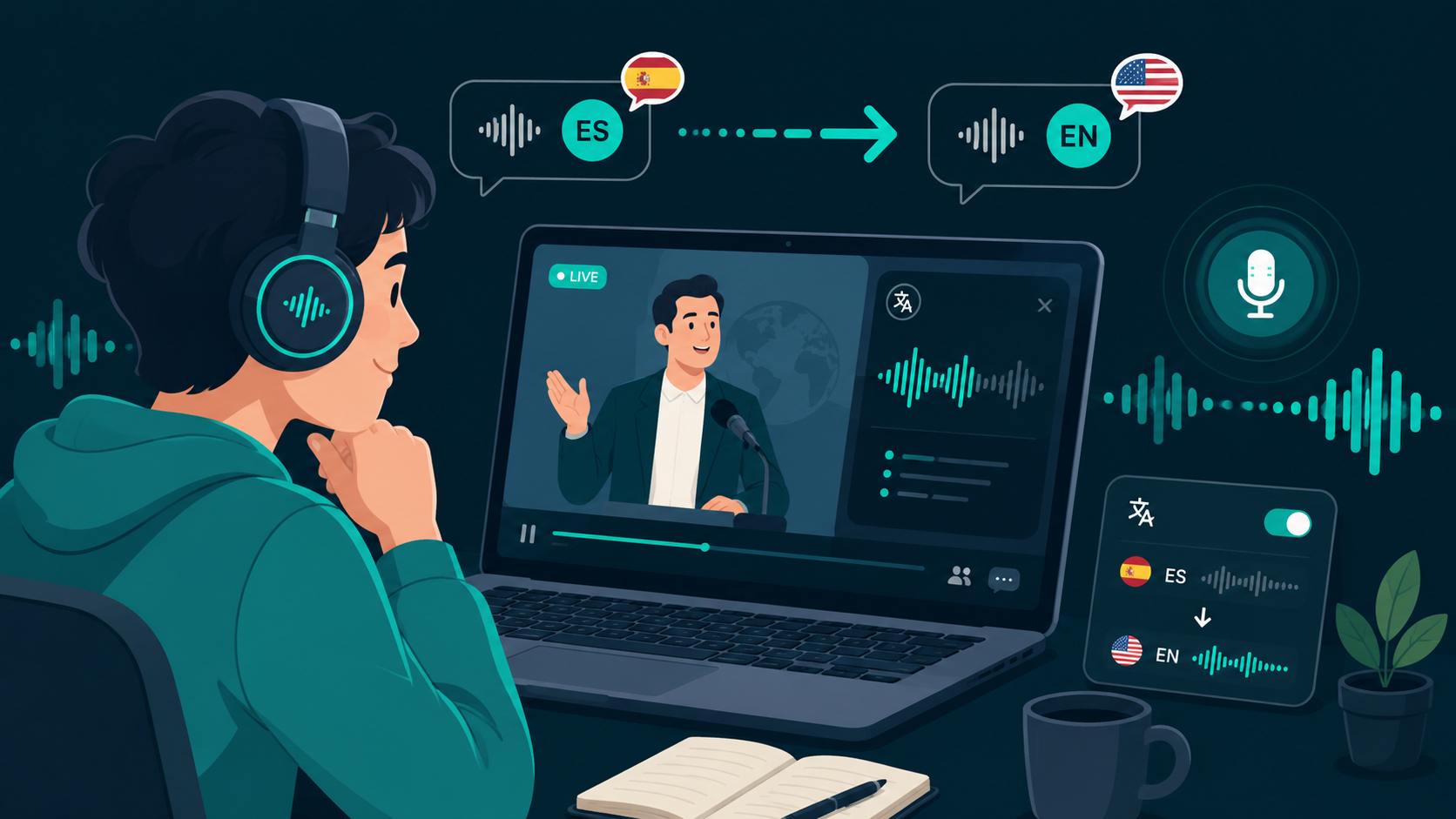
Following lectures, webinars, or international livestreams in a foreign language often requires constant pausing or reliance on delayed captions. A live audio translator captures computer sound output, translates spoken dialogue, and streams the translated voice directly to your headphones as the speaker talks.
If you would like to test this on your own machine, you can download WireLang here for Windows or macOS.
What is a live audio translator?
A live audio translator captures system sound from your computer, processes incoming speech through streaming translation models, and plays translated audio back in your preferred language. The key factor is latency: by processing audio chunks in real time, the software delivers translated speech with sub-second delay so you stay aligned with the speaker.
This makes live translation practical for online courses, technical presentations, livestreams, and video calls. For visual-first workflows, see our guide to real-time video translation.
Comparing live speech translation to subtitles
Subtitles are useful, but they have limitations during complex presentations. Text captions can arrive several seconds late, obscure visual charts on screen, or force you to read continuously instead of watching slides or taking notes.
Streaming audio translation allows you to hear the speaker's meaning while the presentation unfolds. To explore what features matter most when evaluating software, read our checklist for evaluating live translation apps.
How real-time audio translation works on desktop
The process involves three main steps. First, the application captures system audio using native loopback drivers (such as WASAPI on Windows or CoreAudio on macOS). Next, streaming speech models transcribe and translate the incoming audio buffers. Finally, synthesized speech is delivered to your headphones while the original audio remains softly audible in the background.
Low latency, customizable volume balance, and reliable capture drivers ensure the translation doesn't disrupt what you're watching. You can download WireLang here to try it with your setup.
Common use cases
Real-time audio translation is particularly valuable when pausing isn't practical. Students use it to follow university lectures and technical certifications in other languages. Remote professionals use it for international meetings and webinars. Content creators and researchers use it to monitor international media and livestreams.
For a closer look at the underlying speech technology, see our breakdown of how speech translators work.
Key features to look for
When selecting a live audio translation tool, prioritize low latency, clear speech output, native system loopback capture, and local privacy controls over promotional feature lists. If an app requires complex audio routing or virtual cables, everyday use becomes tedious.
WireLang is designed specifically for desktop workflows, featuring sub-second streaming latency, floating volume controls, and local transcript storage.
Summary
Live audio translation provides a practical way to understand spoken content across languages without interrupting playback.
- Sub-second streaming translation
- Audio plays while the speaker talks
- Supports online courses, webinars, and livestreams
- Local session and transcript storage
Frequently asked questions
Can a live audio translator work with videos?
Yes. It captures video sound output directly from your browser or media player and translates spoken audio while playback continues.
Is translated audio better than subtitles?
For presentations, lectures, and live calls, listening to translated audio lets you keep your eyes focused on visual slides and take notes without reading line after line of text.
Try WireLang Live
If you need real-time audio translation for your workflow, you can download WireLang for Windows or macOS to test it with your own audio sources.