Participating in multilingual Microsoft Teams meetings is challenging when updates, technical debates, or training sessions move quickly. While Microsoft offers native live translation features, they often require premium enterprise licenses and tenant-wide administrator enablement. Independent desktop audio translation tools provide a client-side alternative that functions without administrative changes.
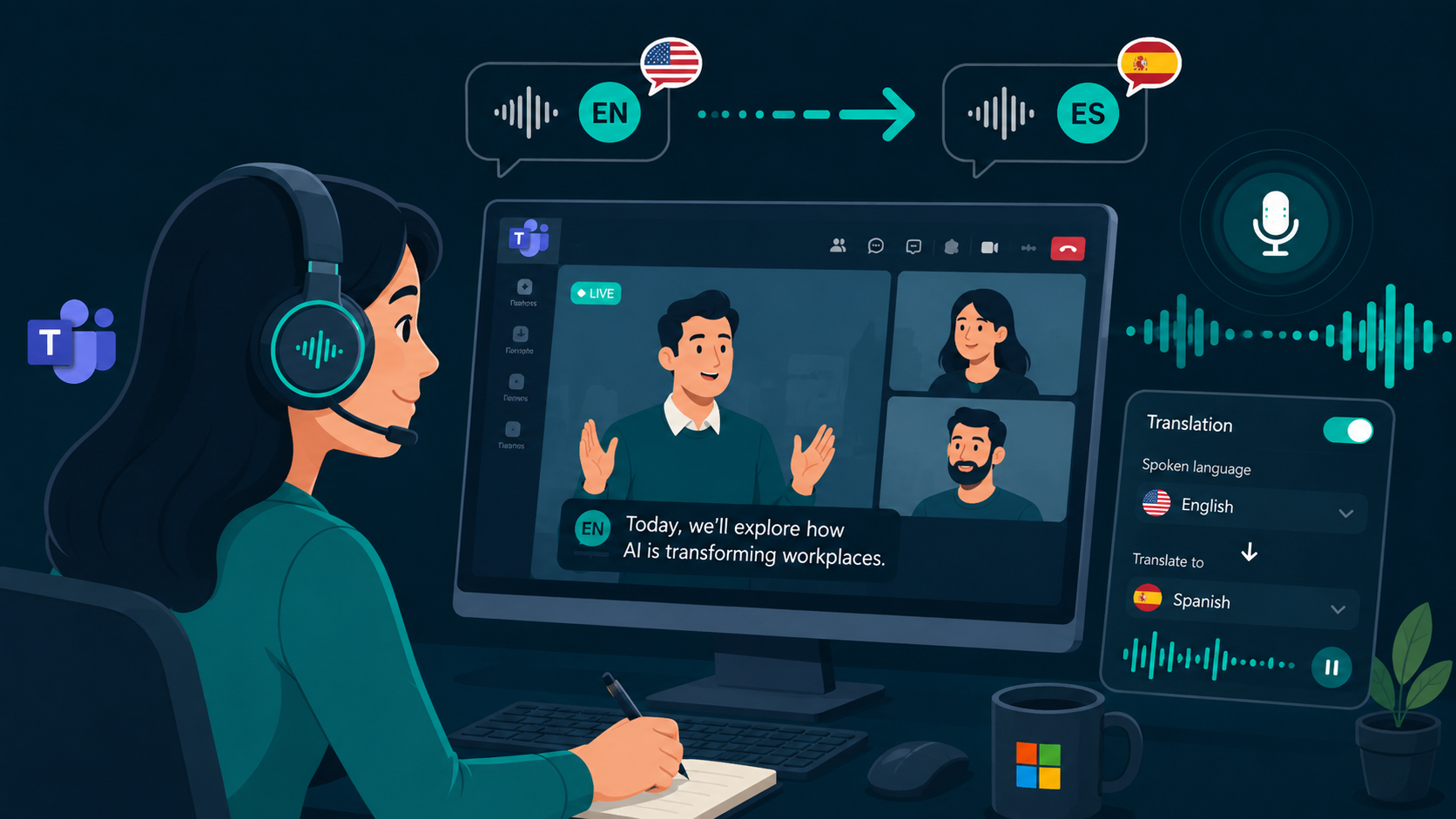
To test real-time Microsoft Teams audio translation on your PC or Mac, you can download WireLang here.
Built-in translation versus client-side desktop tools
Microsoft provides live caption translation in Teams Premium and speech-to-speech interpretation through Teams Interpreter with Microsoft 365 Copilot. However, these native features depend on meeting organizers having the appropriate tier of license and actively enabling translation policies. In contrast, client-side desktop tools capture meeting audio output from your sound card, translating speech privately to your headphones regardless of meeting settings.
For a broader technical look at real-time audio workflows, read our guide to a speech translator.
Licensing and administrative requirements
Native Teams translation features often require enterprise add-ons such as Teams Premium or Copilot licenses, alongside IT tenant administrator approval. For individual contractors, cross-organization partners, or attendees joining as external guests, these tools are often unavailable. Desktop loopback software runs locally on your PC or Mac, requiring no organization-wide deployment or administrative privileges.
Handling guest calls and external webinars
Cross-company collaboration often means joining Teams meetings hosted by external vendors or clients where internal translation licenses do not carry over. A desktop translator operates independently of the meeting host, transcribing and translating incoming audio from any Teams tenant, browser join link, or live event.
Audio ducking and privacy considerations
Effective meeting translation requires hearing the speaker vocal tone and pacing while the translated voice plays. Audio ducking lowers the volume of the original meeting feed during active speech synthesis. For confidential business meetings, WireLang processes translation through enterprise endpoints or direct BYO API keys, with full local transcripts stored only on your machine.
Using WireLang for Microsoft Teams
WireLang runs alongside the Teams desktop app or web client on Windows and macOS. It listens to system audio output, translating speech across 60+ languages with sub-second latency. If you want to compare live audio solutions, read our guide on evaluating live translation apps, or see how to translate foreign audio to English.
Summary
Desktop translation tools provide a flexible way to follow Microsoft Teams meetings without enterprise license friction.
- Works with Microsoft Teams desktop app and web meetings
- Operates without requiring Teams Premium, Copilot, or tenant admin approval
- Functions on external guest calls and webinars
- Uses loopback audio capture with audio ducking and local transcripts
Frequently asked questions
Does live translation work if the Teams organizer does not have Teams Premium?
Yes. Desktop translation software captures audio directly from your sound card, so it operates independently of organizer licenses or meeting settings.
Can other meeting participants hear the translated voice?
No. The translated speech plays exclusively to your headphones or default output device, keeping your translation private.
Try WireLang Live
If you need real-time audio translation for your workflow, you can download WireLang for Windows or macOS to test it with your own audio sources.