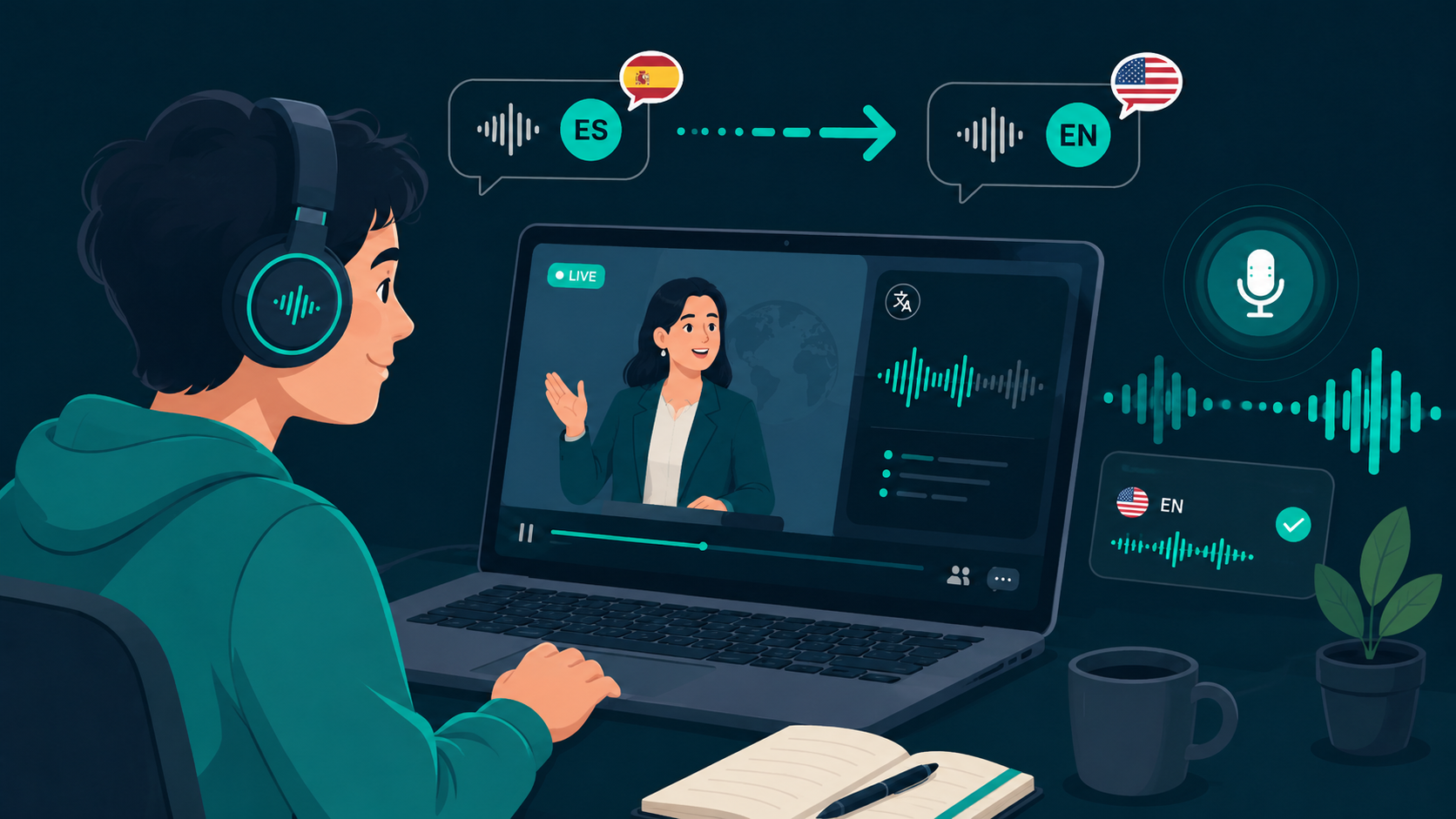
Translating live foreign audio into English in real time requires low-latency speech processing. Instead of uploading recordings or pausing video playback to read subtitles, streaming translation lets you follow presentations and meetings continuously.
If you want to test live English translation on your own PC or Mac, you can download WireLang here.
Why real-time English translation is in demand
English is frequently the shared language of international business, academic research, and technical training. Professionals and students often need to understand Spanish, Japanese, German, or Portuguese audio in English without waiting for localized releases.
For Spanish-specific audio workflows, see our dedicated guide on translating Spanish audio to English.
How live desktop audio capture works
Modern desktop translators capture sound directly from your computer's audio loopback driver rather than relying on an external microphone. The captured speech buffer is routed through a streaming translation model, which returns translated English speech with sub-second delay.
This allows the software to work across browser tabs, media players, and desktop apps like Zoom, Microsoft Teams, and Discord. Read our breakdown on how live audio translators work for more architectural details.
Limitations of relying solely on subtitles
Auto-generated captions frequently suffer from transcription lag, formatting errors, or visual clutter. During complex presentations, dividing attention between slides and subtitle text increases cognitive fatigue.
Speech-to-speech translation delivers translated audio into your headphones while ducking the original sound softly underneath, allowing you to follow the speaker naturally.
What to look for when choosing a tool
Key technical considerations include end-to-end latency, native system loopback drivers, local transcript storage, and flexible volume controls.
WireLang is designed around these principles, offering sub-second latency, floating controls, and the ability to bring your own Google Gemini API key to avoid subscription markups.
Summary
Real-time speech translation provides a seamless way to listen to foreign-language content in English.
- Streaming speech models deliver sub-second translation
- Native loopback capture works across browsers and desktop apps
- Local transcript storage protects data privacy
- Flexible volume ducking preserves speaker intonation
Frequently asked questions
Can I translate live audio to English on my computer?
Yes. Desktop translation software captures system audio playback and streams translated English speech to your headphones in real time.
Is live translation limited to conference calls?
No. You can translate any audio playing on your computer, including YouTube videos, webinars, gaming voice channels, and online courses.
Try WireLang Live
If you need real-time audio translation for your workflow, you can download WireLang for Windows or macOS to test it with your own audio sources.