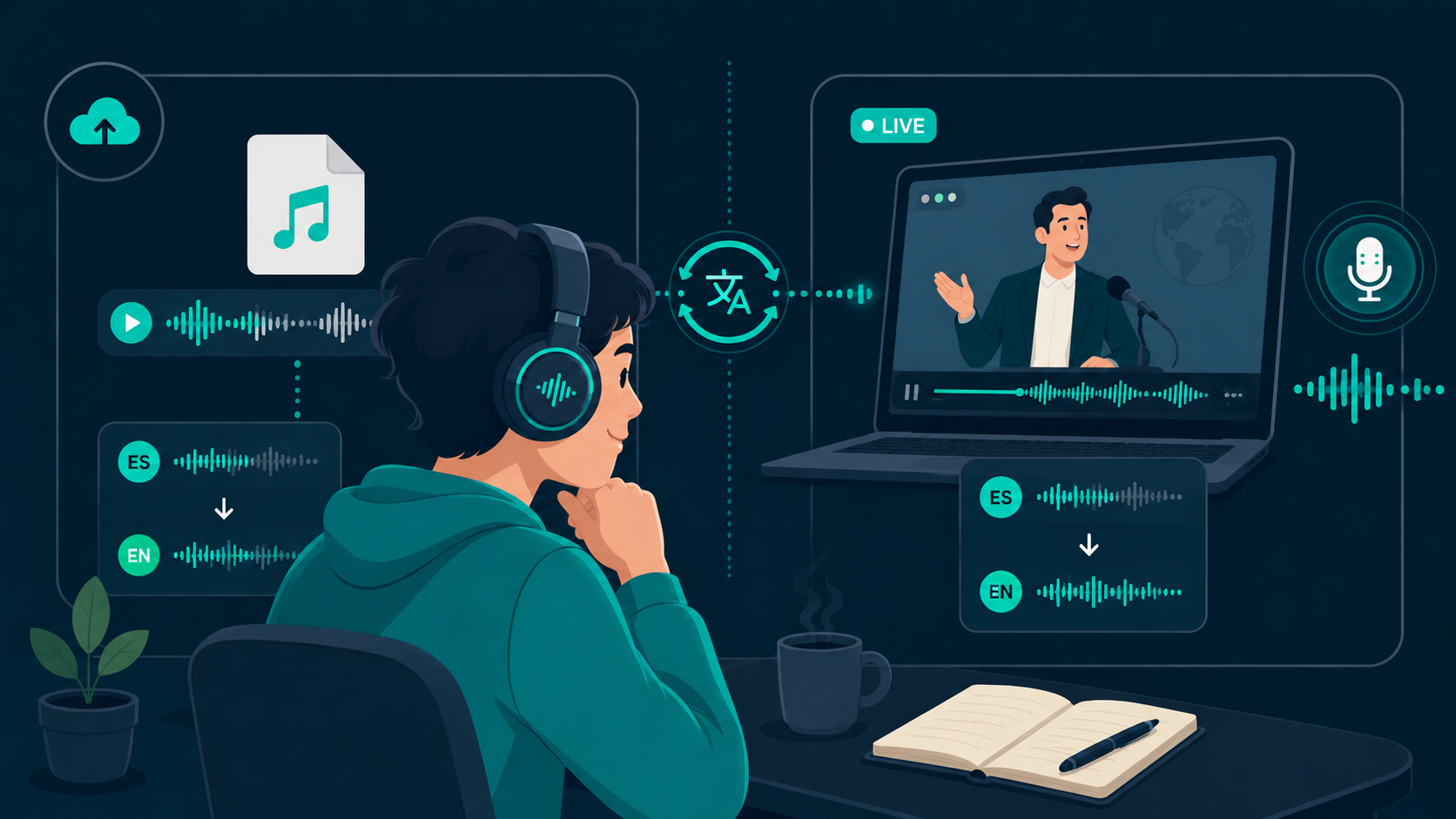
Audio translation covers two distinct workflows: translating recorded audio files after the fact, and translating spoken dialogue in real time while media is playing. Choosing the right approach depends on whether you are archiving recorded files or following live content.
If you want to test streaming audio translation on your PC or Mac, you can download WireLang here.
Understanding the two types of audio translation
File-based translation works with pre-recorded files. You upload an MP3 or WAV file, wait for cloud processing, and receive an SRT subtitle file or translated audio track. This workflow is well-suited for post-production editing, podcast localization, and document archiving.
Streaming translation, by contrast, operates on live audio buffers. It captures system sound output and delivers translated speech with sub-second latency, allowing you to follow active conversations. For a detailed look at this category, read our guide to how live audio translators work.
How real-time streaming differs from file processing
A file-based tool can analyze an entire recording in context before producing an output. Streaming systems must process sound incrementally in small audio chunks, predicting sentence endings and synthesizing natural voice with minimal lag.
This low-latency pipeline makes real-time tools practical for desktop media, including Zoom sessions, Teams webinars, YouTube tutorials, and online courses where pausing interrupts the learning flow.
How audio capture works during playback
Rather than routing cables or setting up complex virtual devices, modern desktop translation software captures playback directly at the operating system's audio mixer. The captured speech is processed through streaming AI models, and the translated voice is fed to your headphones while the original audio is gently lowered in volume.
To learn more about audio loopback capture, see our article on how listen-and-translate software works.
The importance of control and low overhead
Practical desktop tools should stay unobtrusive. When you are watching a presentation or attending a meeting, you need simple controls: selecting an input device, choosing a target language, and adjusting the relative volume between original and translated audio.
WireLang provides a compact floating toolbox that lets you adjust volume balance and display live subtitles without covering your main workspace.
Where WireLang fits in
WireLang is designed specifically for desktop audio translation. It streams speech-to-speech translation with sub-second latency across browser tabs and desktop applications, keeping transcripts saved locally on your device.
Summary
Selecting the right audio translation tool comes down to latency, workflow fit, and audio handling.
- File-based tools are ideal for archiving and post-production
- Streaming tools translate spoken words in real time
- Native desktop loopback avoids complex audio setups
- Local session storage protects conversation privacy
Frequently asked questions
Does audio translation always require reading subtitles?
No. While subtitle-based tools display text on screen, speech-to-speech translators synthesize translated voice directly into your headphones.
When is live streaming audio translation most useful?
It is most valuable during live meetings, technical webinars, online courses, and livestreams where waiting for a full transcript would interrupt your comprehension.
Try WireLang Live
If you need real-time audio translation for your workflow, you can download WireLang for Windows or macOS to test it with your own audio sources.